4.2.9
Source date November 20, 2026
Current catalog package
This is the current package in the catalog. Check the official product page for release details and compatibility notes.
Official product pageOnline store · oceanwp
Build blogs, business sites and WooCommerce stores with a flexible multipurpose WordPress theme.
File manifest
Downloads open on Loadpier in a new tab. Add only the files you need to your queue.
Package contents & compatibility
Release history & rollback
This is the current package in the catalog. Check the official product page for release details and compatibility notes.
Official product pageNo earlier package is currently available for this product.
Product overview
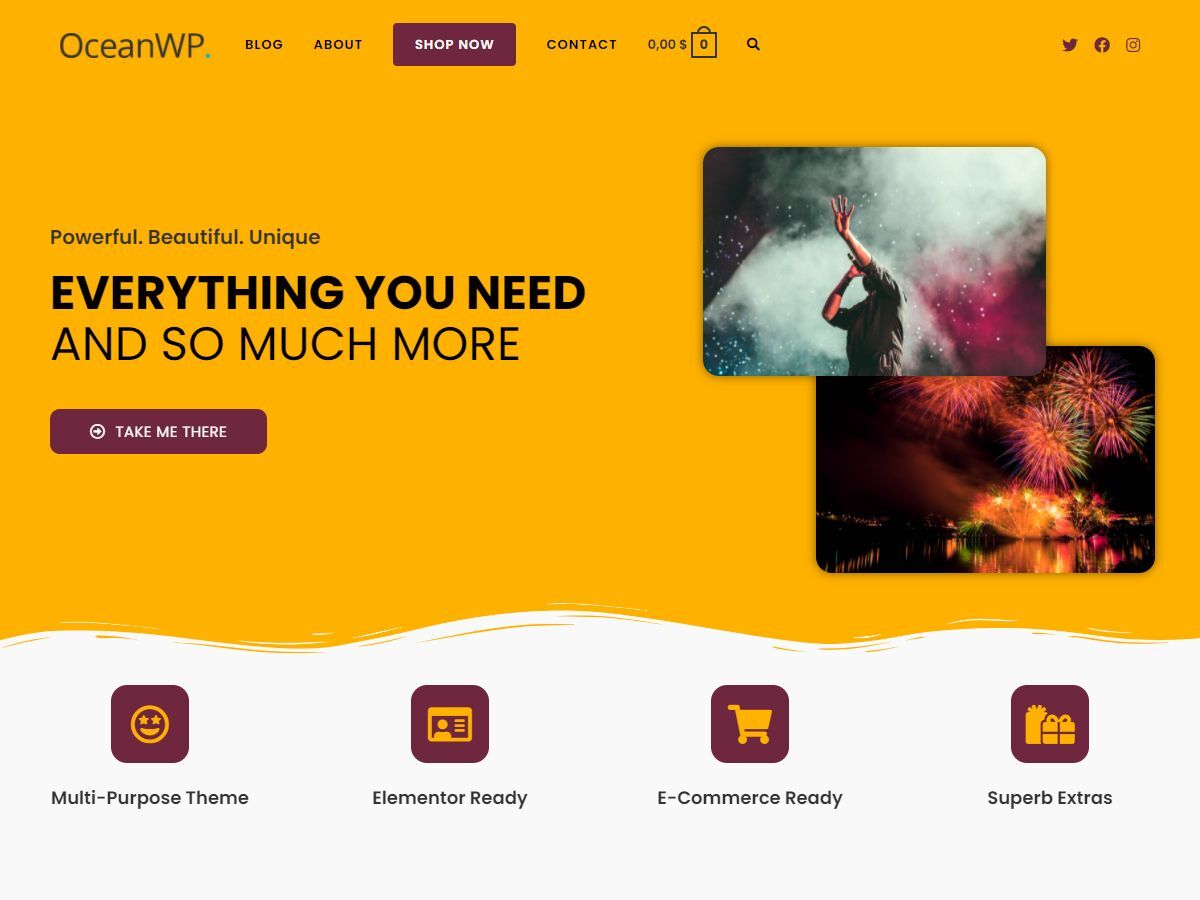
OceanWP is a multipurpose WordPress theme for blogs, portfolios, business sites and WooCommerce storefronts. It provides layout and design controls, responsive behavior and integrations with popular page builders. The theme can be used for a simple content site or as the base for a more customized store.
This entry covers the free theme. Paid extensions, demo packages and developer support are separate products and should not be assumed to be included.
OceanWP suits site owners who want a flexible general-purpose theme with store features and several builder options. It is useful for small businesses, editorial sites, portfolios and WooCommerce projects that expect to customize their layouts over time.
A project that needs a very small, highly specialized theme may prefer a narrower alternative. OceanWP’s flexibility is most valuable when there is a clear design or commerce requirement.
Exact WordPress, PHP, builder and WooCommerce compatibility has not been verified for this package. Check the theme and any required extensions on staging before changing a live site. Demo imports can add pages, images and settings, so review them before using an existing site.
Premium extensions, developer support and automatic updates are not included with this entry. Back up the site and test navigation, forms, mobile layouts and the full store flow where relevant.
The catalog package is now 4.2.9. Older release notes are hidden until this version has been reviewed.
Back up the site and database. In WordPress, open Appearance → Themes → Add New, search for OceanWP, then install and activate it. Configure the basic layout before adding any extensions or demo content. If you upload a package manually, use Appearance → Themes → Add New → Upload Theme.
Test the site on desktop and mobile, then check WooCommerce products, cart and checkout if used. For rollback, restore the previous theme from a known backup and review any extensions that were upgraded at the same time. Restore the full backup if settings or content changed.
OceanWP is a practical multipurpose theme for sites that need many layout options and builder integrations without a large custom build. Its WooCommerce features are useful for stores, while page-builder support makes layout work easier for non-developers. Enable only the extensions the project needs and test the front end carefully, since additional modules can affect performance and maintenance. This page covers the free theme, not a bundle of premium extensions.
No. It also supports blogs, portfolios and general business sites. WooCommerce features are optional for projects that need them.
Yes. It supports several popular builders, including Elementor, Beaver Builder, Brizy, Visual Composer, Divi and SiteOrigin.
No. This entry covers the free theme. Premium extensions and developer support are separate offerings.
Detailed official release notes have not been verified for this package, so no specific change is claimed.
Use staging first. Demo imports can add content and change settings that may conflict with an existing site.
The package contains the complete premium version of the product — the same code the developer sells. A license key is not included, so automatic updates and vendor support tickets are not available; new versions appear in this catalog as they are released.